Admin Panel
The Admin Panel provides a built-in HTTP server for managing and monitoring your ToolRegistry instance. It offers both a REST API and an optional web-based UI for real-time tool management.
Overview
The Admin Panel is designed with the following principles:
- Minimalism: Zero external dependencies - uses a vendored async HTTP server (
zerodep/httpserver) - Zero Configuration: Works out of the box with sensible defaults
- Universality: Compatible with any HTTP client or browser
- Security: Built-in token authentication for remote access
Key Features
- Enable/disable tools and namespaces at runtime
- Toggle
think_augmentanddefermetadata per tool or per namespace at runtime - View tool schemas, metadata, and permission evaluation results
- Search and filter tools by name or ToolTag
- Monitor execution logs with filtering and statistics
- Export/import registry state
- Web UI for visual management with responsive layout
- Bilingual interface (English / Chinese) with instant language switching
Screenshots
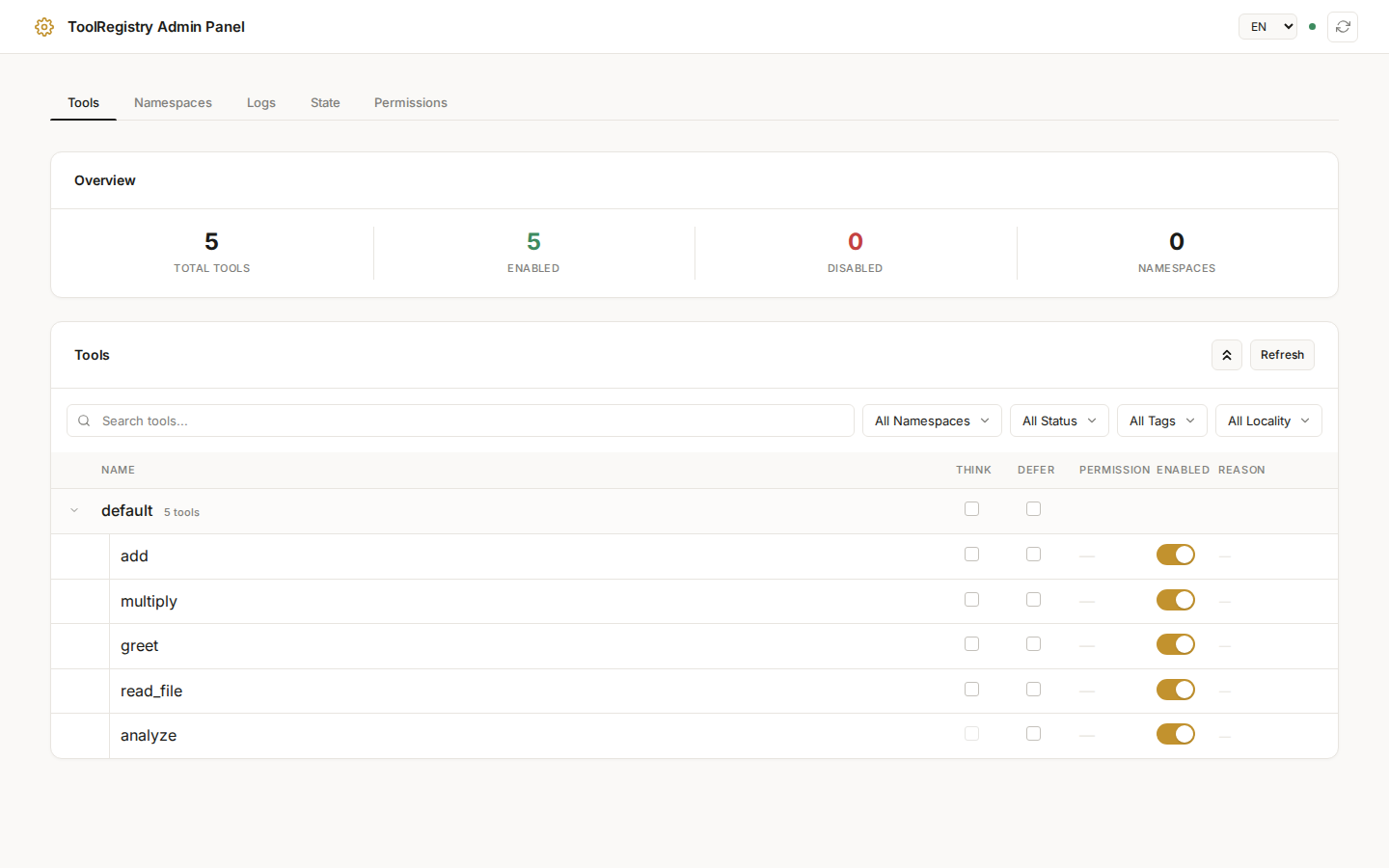 Tools tab: View and manage all registered tools with search, filter, and enable/disable controls.
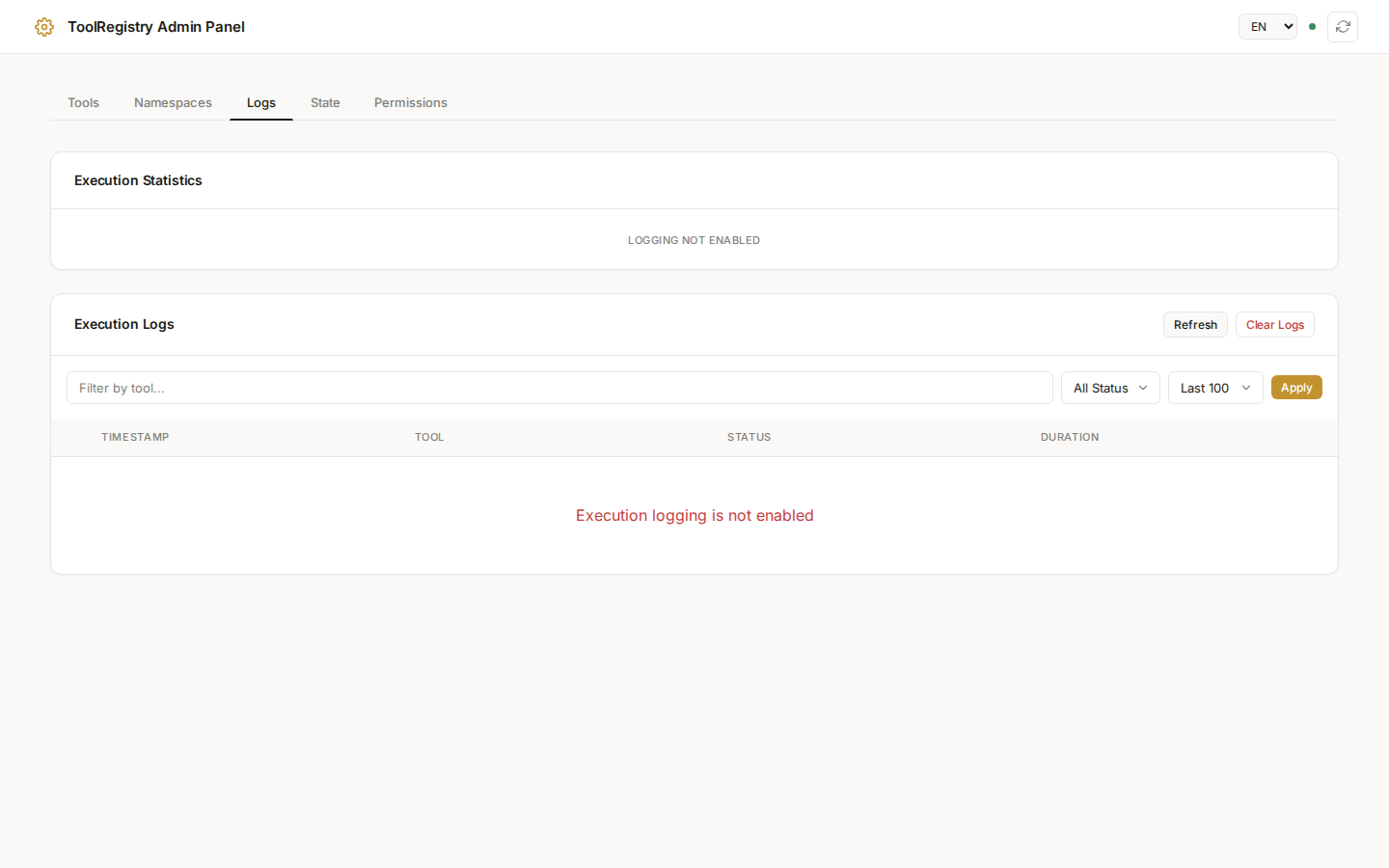 Logs tab: Monitor execution history with status filtering and performance statistics.
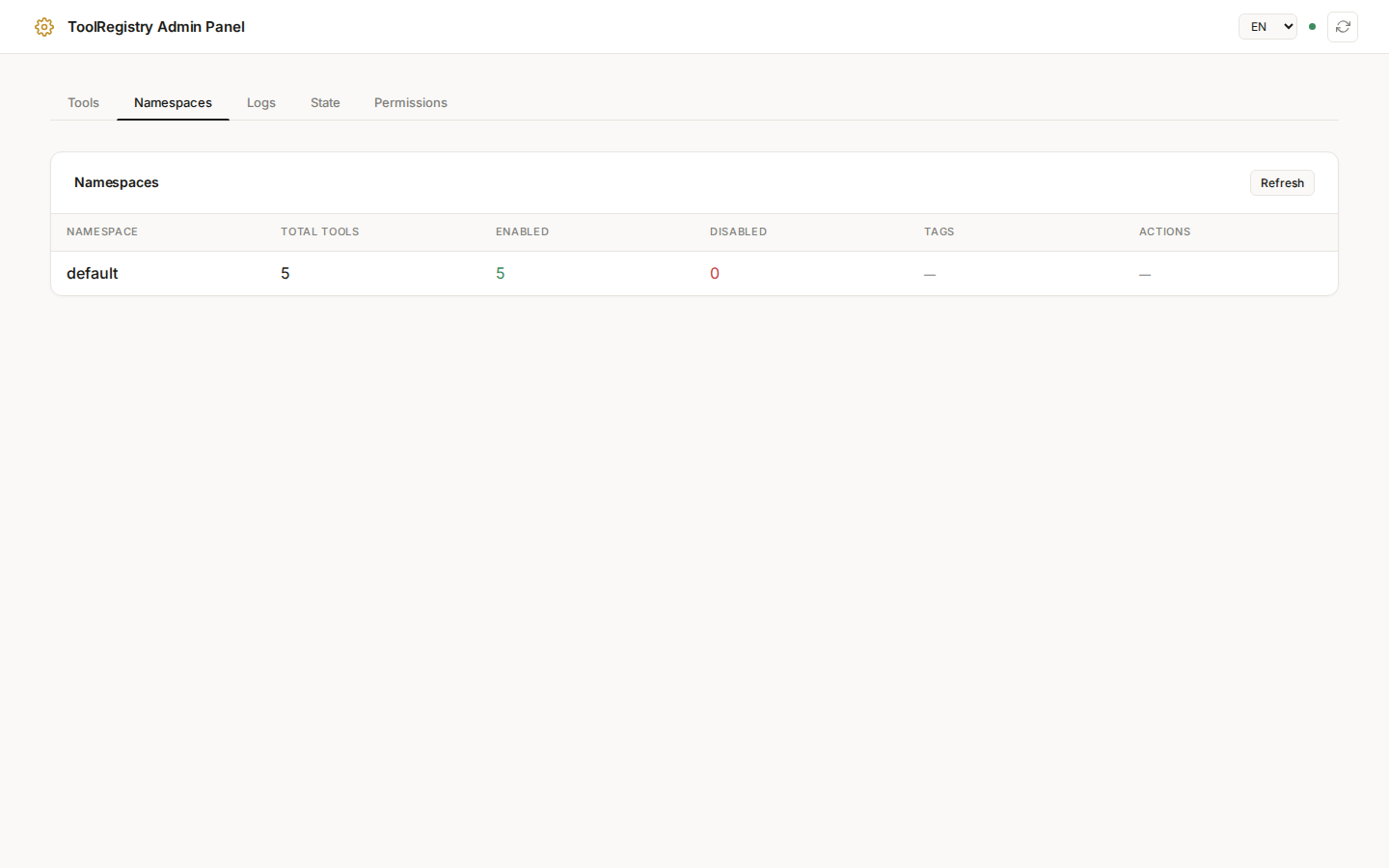 Namespaces tab: Manage tool groups with namespace-level enable/disable controls.
Quick Start
Basic Usage
from toolregistry import ToolRegistry

# Create registry and register tools
registry = ToolRegistry()

@registry.register
def my_tool(x: int) -> int:
    """Multiply input by 2."""
    return x * 2

# Enable the admin panel
info = registry.enable_admin(port=8081)
print(f"Admin panel: {info.url}")
Accessing the Web UI
Once enabled, open your browser and navigate to the URL printed (e.g., http://localhost:8081). The web UI provides:
- Tool list with enable/disable toggles
- Namespace management
- Execution log viewer
- State export/import functionality